
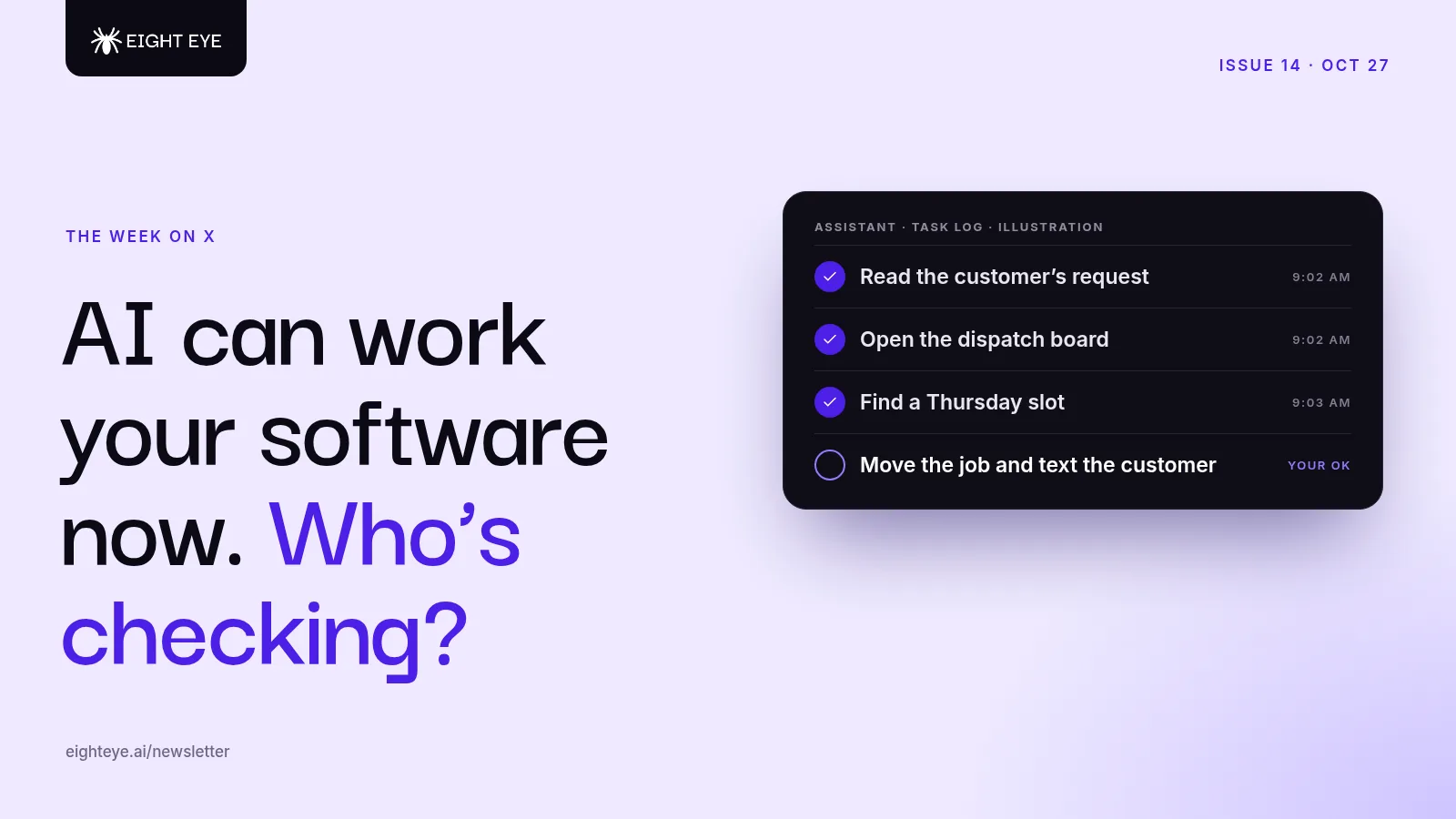
For most of the last few years, AI has lived in a chat box. You typed, it typed back, and then you went and did the actual work in your scheduling app, your invoicing tool or your supplier's website.
That line is moving. This week OpenAI shipped a model built to look at a screen and work across apps on its own, and priced it to be used all day. That's our lead. The second story is the natural follow-up question: once AI is doing the work, how do you know it did it right? Anthropic published a detailed answer from its own team. We also look at what independent shop owners are actually handing to AI first, Replit's idea of a "self-driving company," and one simple habit for getting more out of any AI tool. Each item links to the original post on X, and engagement numbers are as of the morning of October 27.
1. AI that works your apps, not just your chat window
@OpenAI, October 26. About 26,000 likes and 4.6 million views.
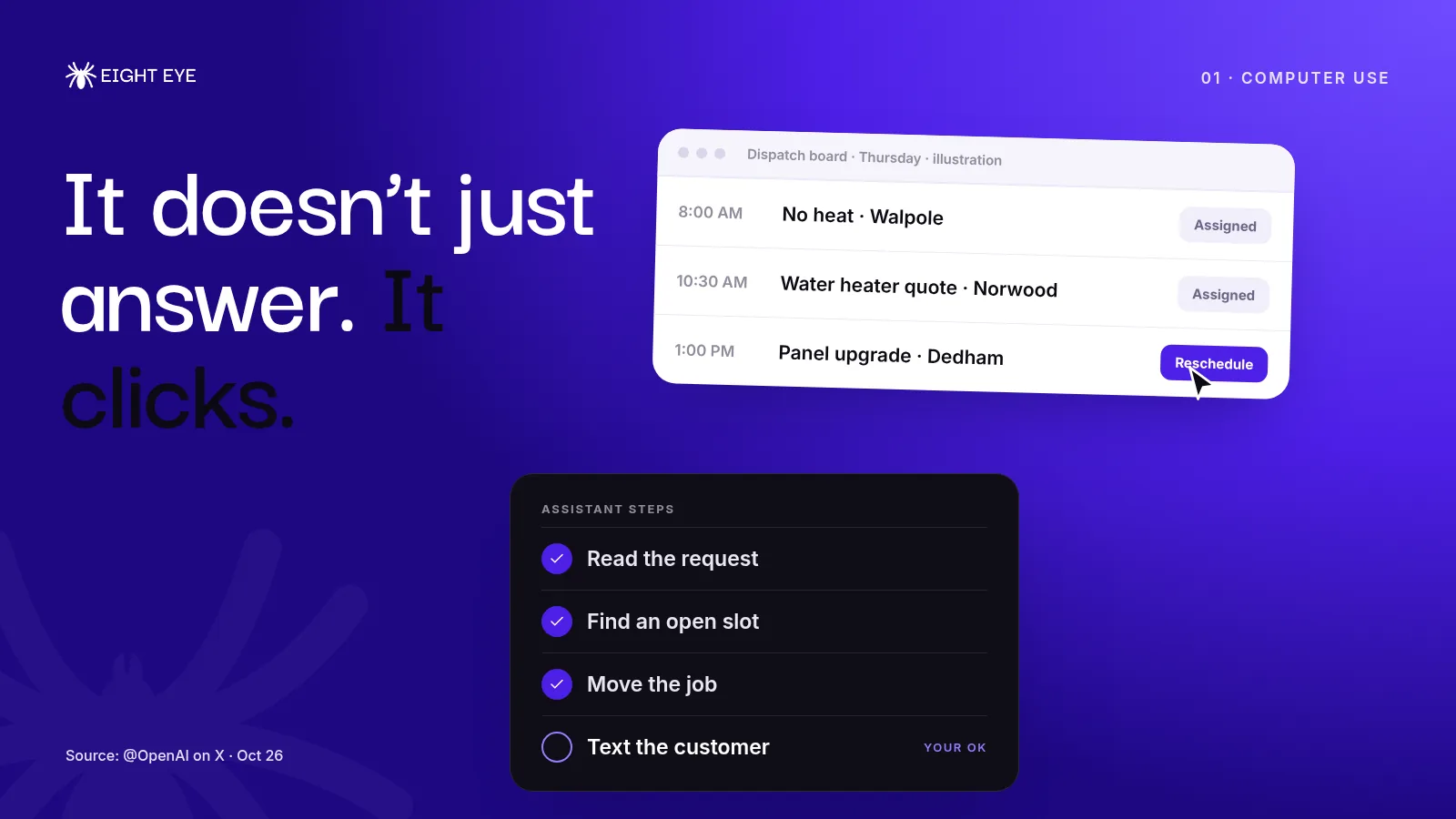
OpenAI released GPT-6.1 Terra and pitched it around one idea: "computer use." The model can understand what's on a screen and take action across apps, the way a person moves between a browser, a spreadsheet and an email. In the same thread, OpenAI said it does noticeably better than the previous Terra model on a test of how well AI agents use work software, matches its bigger GPT-6 Astra model at one-tenth the price per token, and finishes tasks more than three times faster on average. Standard API prices are half of what GPT-5.6 Terra cost. It's rolling out now to paid ChatGPT plans and to developers. Sam Altman (about 7,800 likes) said OpenAI is "especially excited for this new era of computer use."
Our take: The price matters as much as the skill. Clicking through apps used to be the expensive, slow, demo-only part of AI. Faster and cheaper means it starts showing up inside the tools small businesses already pay for.
For an HVAC, plumbing or electrical shop, that's a big deal, because a lot of your office work isn't writing. It's clicking. Moving a job on the dispatch board, copying a customer's details from a web form into your field service software, checking a supplier portal for a part, logging into the utility rebate site. Those are exactly the jobs computer use is aimed at.
Two things before you get excited:
- Start with read-only jobs. Let AI look things up, fill in drafts and prepare changes before you let it press "send," "pay" or "delete." Several of the new personal assistants already ask for approval on those steps. Keep that switched on wherever you find it.
- Know your logins. An assistant that works your apps needs access to them. Use each tool's official connection or approval option where one exists, give it its own account where you can, and never paste your bank or payroll password into a chat.
2. Don't take "done" for an answer
@addyosmani, October 26. About 12,000 likes, 31,700 bookmarks and 2.1 million views.
The most-bookmarked post in our feed this week was a long write-up, shared by Addy Osmani, on how Anthropic's Claude Code team reviews its software now that Claude writes about 90% of that code. Between June and September the team more than doubled the number of changes it shipped, while the share it had to undo dropped by more than 40%.
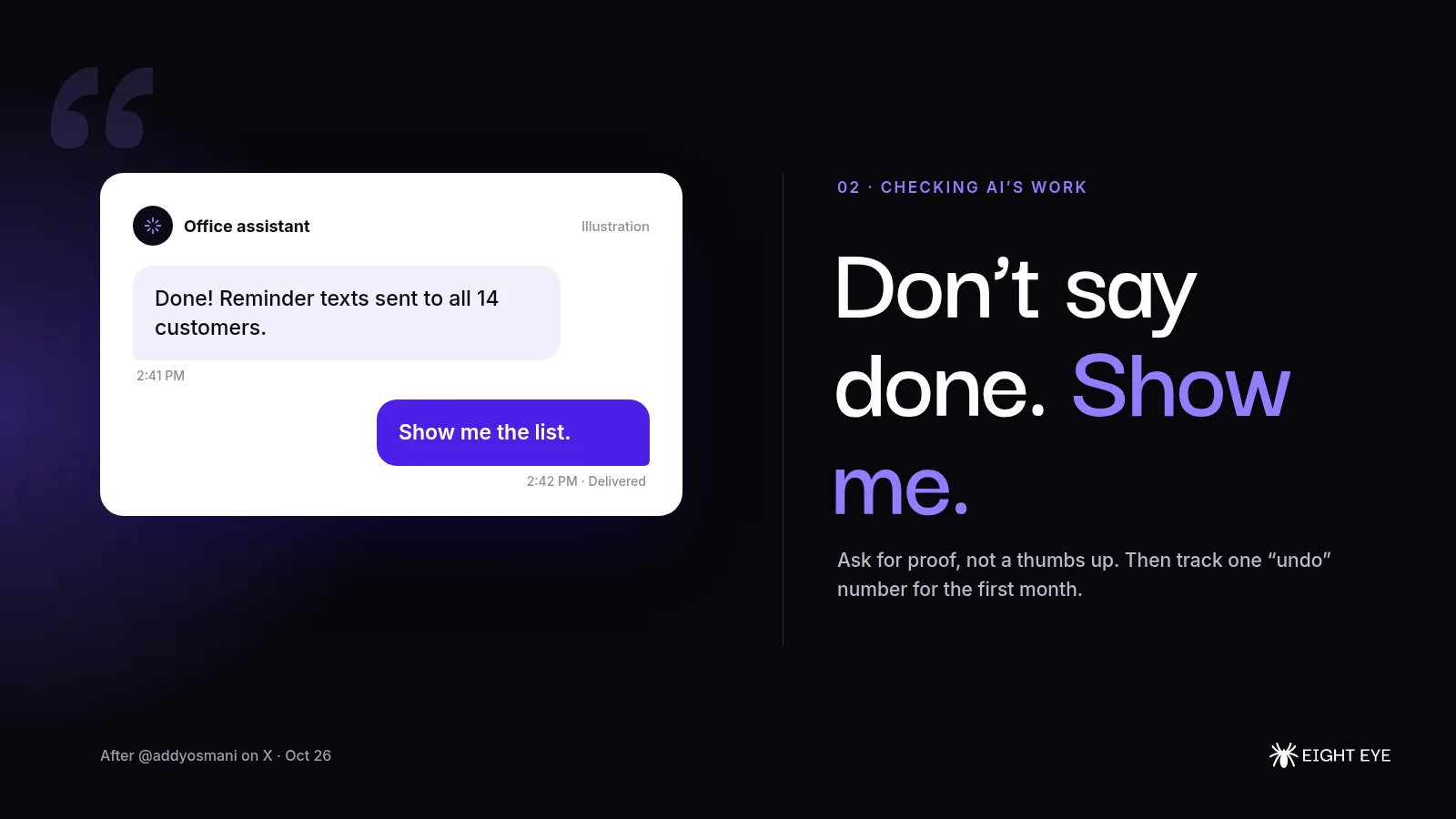
They didn't get there by having people read every line. They stacked several layers of automatic checks, kept human attention for the risky parts and made mistakes easy to roll back. One habit stood out: instead of letting the AI say a task is finished, they ask it to show the result, like running the tests or comparing a screenshot to the design. A second AI then reviews the work with fresh eyes. They also track whether reverts go up, because, as they put it, saving review time doesn't help if the bugs just show up later.
Our take: You don't write software, but the lesson carries straight over to a service business. When AI handles a job for you, ask for proof, not a thumbs up. If it sent reminder texts, look at the list it sent to. If it booked a job, check the calendar entry. If it drafted an estimate, read the total before it goes out. Then track one "undo" number, like customers who had to call back to fix something, and watch it for the first month. If that number stays flat while the work gets faster, you've got a keeper.
3. What small shops are actually handing to AI first
@sophiebakalar, October 26. About 310 likes, 220 bookmarks and 100 replies.
Sophie Bakalar posted that she's "extremely interested in AI applied to small businesses," because friends who run independent restaurants and shops are finally using it to make real improvements to how they operate. She asked to hear from owners and from companies building for them.
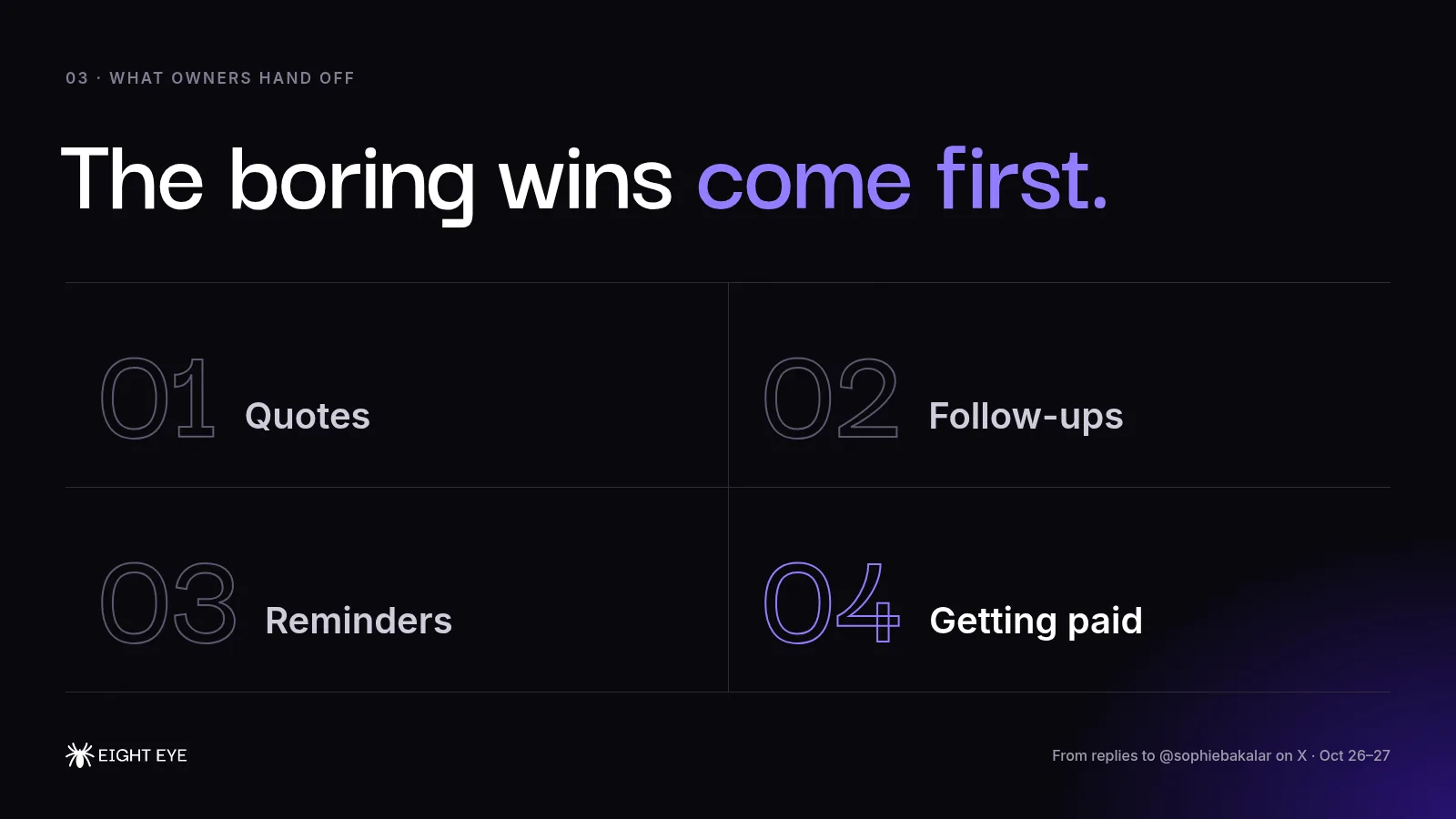
The replies were the interesting part. A good share came from people selling AI services, so take them with a grain of salt, but they pointed at the same short list over and over. Not chatbots, not flashy demos. Quotes, follow-ups, reminders, getting paid, ordering and scheduling, and answering every new inquiry quickly. Several said the owners who stall are the ones who try to automate everything at once, and that the setups that last keep the owner approving anything that goes out to a customer.
Our take: That matches what we see with trades businesses. The first wins are almost never exciting. They're the call that came in during a job and got a text back within a minute, the estimate that got a follow-up on day two and day five instead of never, and the invoice that got a polite nudge without anyone having to remember. If you're deciding where to start, pick the task you complain about every week and give AI that one job.
4. The "self-driving company" idea
@amasad, October 26. About 1,400 likes and 1,600 bookmarks.
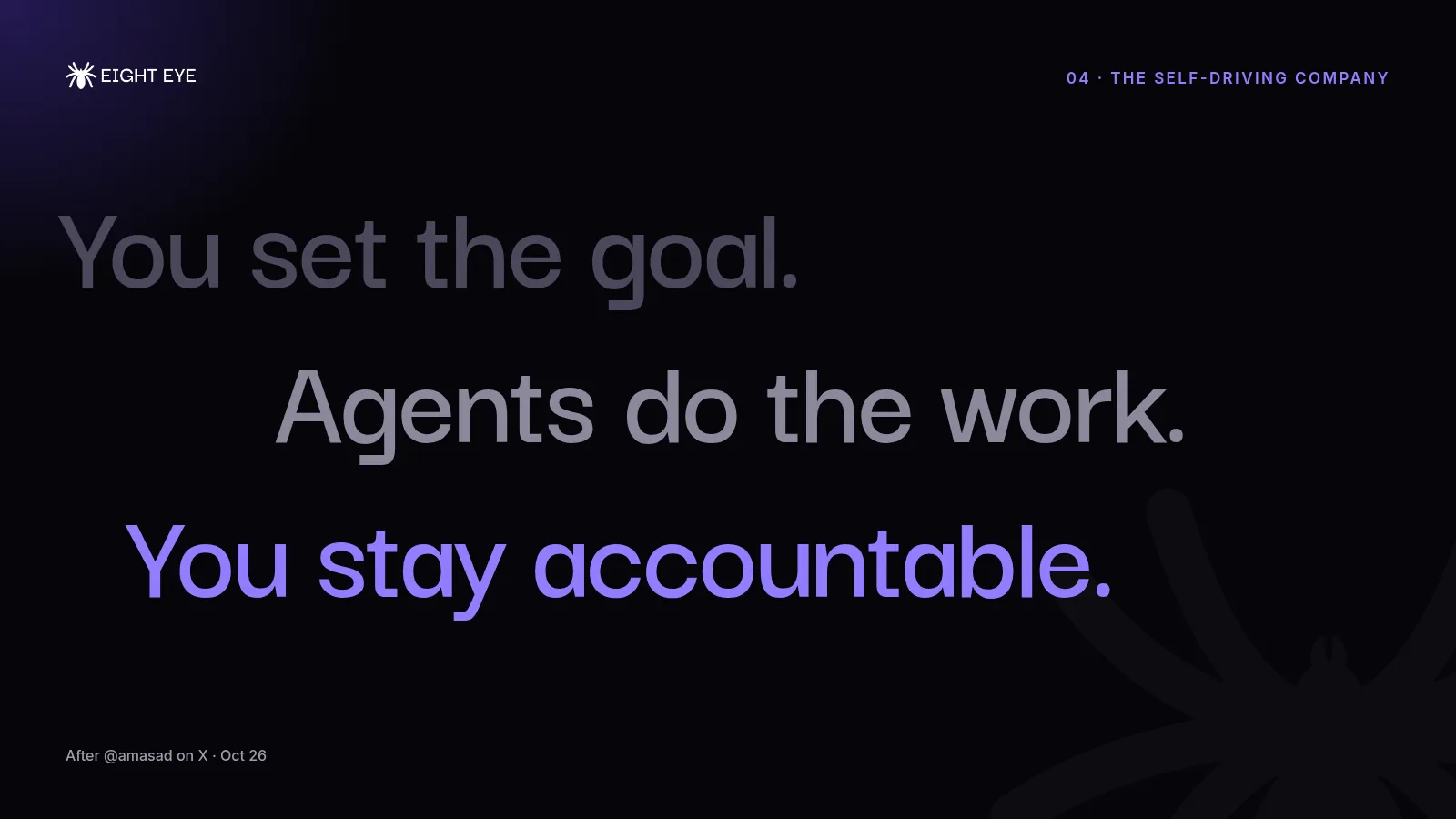
Replit CEO Amjad Masad published an essay arguing that AI agents will change how companies are organized, not just how fast they work. He calls the result a "self-driving company": people set the goals, use their judgment and stay accountable, while agents do most of the execution, with clear rules for when they can act on their own and when they have to ask. In a companion post he said Replit is building toward that, and the essay says the shift is already underway inside Replit itself. He predicts every Fortune 500 company will work this way by the end of 2030. That's his forecast, and plenty of people disagree with the timeline.
Our take: Strip out the big-company language and this is a pretty good description of a well-run small shop. The owner decides what good service looks like and handles the judgment calls. The routine stuff (answering, booking, reminding, following up) runs on a system that doesn't depend on anyone's memory. The part worth copying is the rules. Write down, for each job you hand to AI, what it can do on its own and what needs your OK. That one page does more for you than any particular tool.
One habit for everyone
Wharton professor Ethan Mollick (about 2,200 likes and 1,000 bookmarks) shared the advice he gives for using AI for anything: keep asking how to make what you're doing "even more ambitious." Either you hit a wall and learn where the limits are, or, more often, you find out the AI can do more than you thought. If you've only ever asked AI to write a review reply, try asking it to draft a whole follow-up plan for last month's estimates, then see how far it gets.
One more for the tech crowd
Box CEO Aaron Levie (about 700 likes) pulled one number out of Anthropic's IPO filing: the average Fortune 500 customer of Anthropic spends less than 0.1% of its expenses with the company. His read is that this could grow 10 to 50 times as big companies stop using AI mainly for coding and chat and start running background work on agents. Put that next to our lead story and you get the same picture from both ends: the tools are getting cheaper and more capable fast, and almost nobody, big or small, has rebuilt their work around them yet.
That's issue fourteen
If there's a job in your office that's all clicking and copying, write to us at support@eighteye.ai and tell us what it is. Eight Eye is the AI growth partner for small businesses, from answering and following up with every lead to getting found online and keeping the busywork moving. See how it works, compare plans and pricing, or book a demo.
See you in the next issue.